HOW TOONIO WORKS
From planning the week to closing the day.
Toonio connects the work before, during and after every shift — so your team always knows what’s happening and you know how the day went.
01
Build the week with the full picture.
Availability + Time off + Staffing needs → Schedule → Publish
Start from what your team can actually do. Availability, time off and staffing needs come together, so the schedule is right the first time — not something you rebuild after everyone replies.
Collect availability
Staff share when they can work before you start planning.
Plan around the real team
See roles, locations and staffing needs while building the week.
Publish once
Everyone gets the latest schedule in their own Toonio view.

02
Everyone starts the shift knowing what’s happening.
Schedule → Role → Location → Tasks
Staff get a focused mobile experience — their own shifts, roles and locations — instead of the manager workspace shrunk onto a phone. Availability and time off live in the same place.
Their own view
Upcoming shifts, times, roles and locations, on their phone.
Availability & time off
Staff share when they can work or request time off from their own view.
Built for the shift
A focused staff experience, never the full manager interface.

03
Keep the shift moving without repeating yourself.
Tasks are the shift’s checklist. Playbooks are the instructions behind them — so the work gets done the same way, whoever is on.
Tasks
What needs to happen
Playbooks
How it should happen


04
Know what happened before you move on to tomorrow.
Two sides of the same close: the hours your team actually worked, and the money the day actually made.
People
Scheduled time → Clocked time → Attendance & exceptions

Business
Sales + payments + cash → Daily Balance → Difference & review

Any time
Or just ask Toonio.
Ask → Review → Confirm
Every step above works through Toonio’s own screens, the way you’d expect. Ask Toonio is a second way in for managers: ask about the week in your own words, typed or out loud, and let it prepare the change. You review it and press the button — nothing changes until you do.
Answers from your real week
Who’s working, who’s available, where you’re short and who could cover — looked up, not guessed.
Changes, prepared for you
Set up a week of shifts from a pasted planning, retime shifts that already exist, or add new staff in bulk.
You stay in charge
Nothing is created or changed until you confirm. Managers and admins only — staff never see it.

ACROSS LOCATIONS
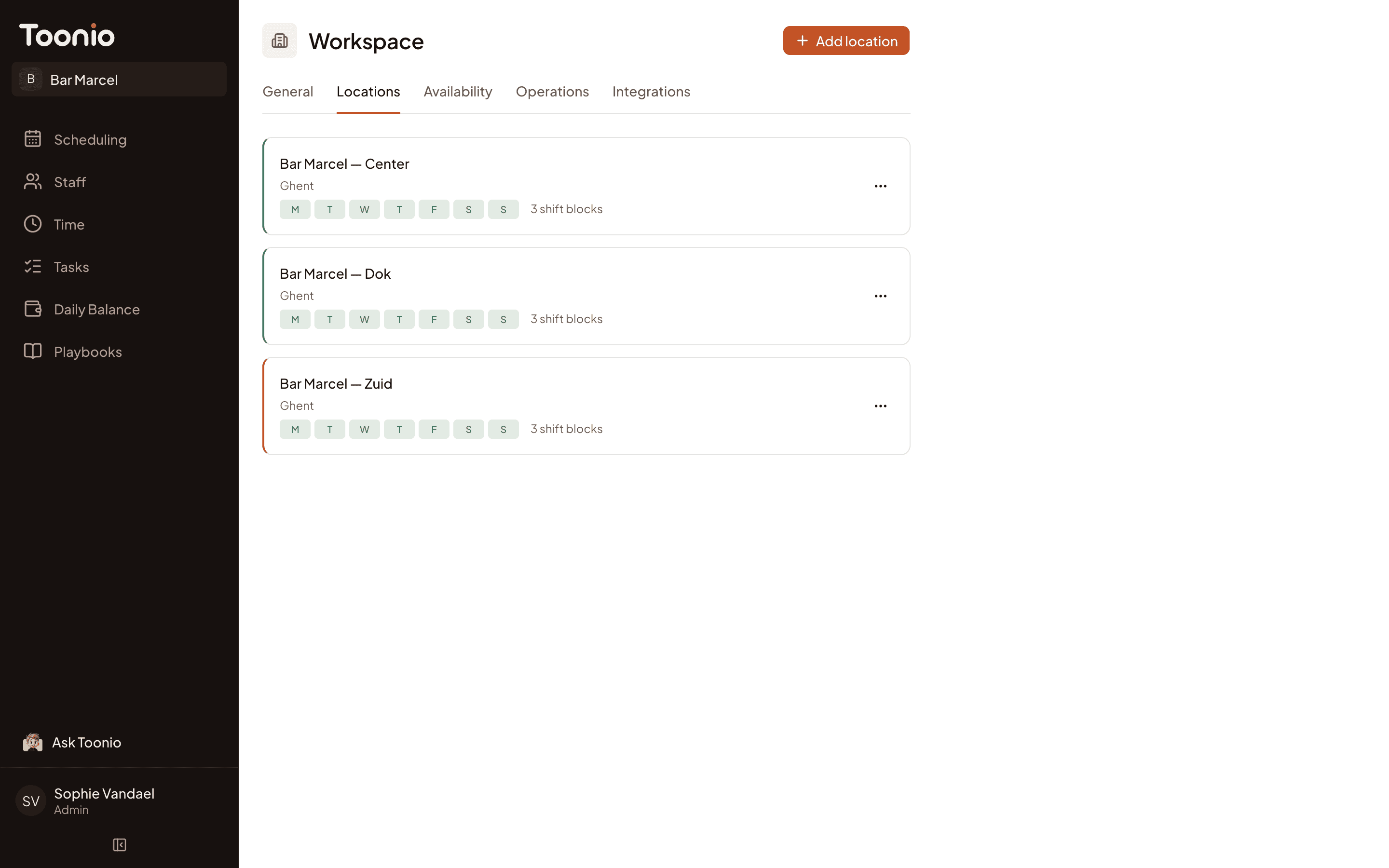
One operation, even when you’re running more than one location.
Every location runs the same loop — with its own team, hours and day-to-day setup — while everything stays inside one Toonio workspace.
Center
Plan → Show up → Run → Close
Dok
Plan → Show up → Run → Close
Zuid
Plan → Show up → Run → Close
Run your next shift with Toonio.
Plan the week, run every shift and close the day — all in one place.

